Earthquake Alert on Phone
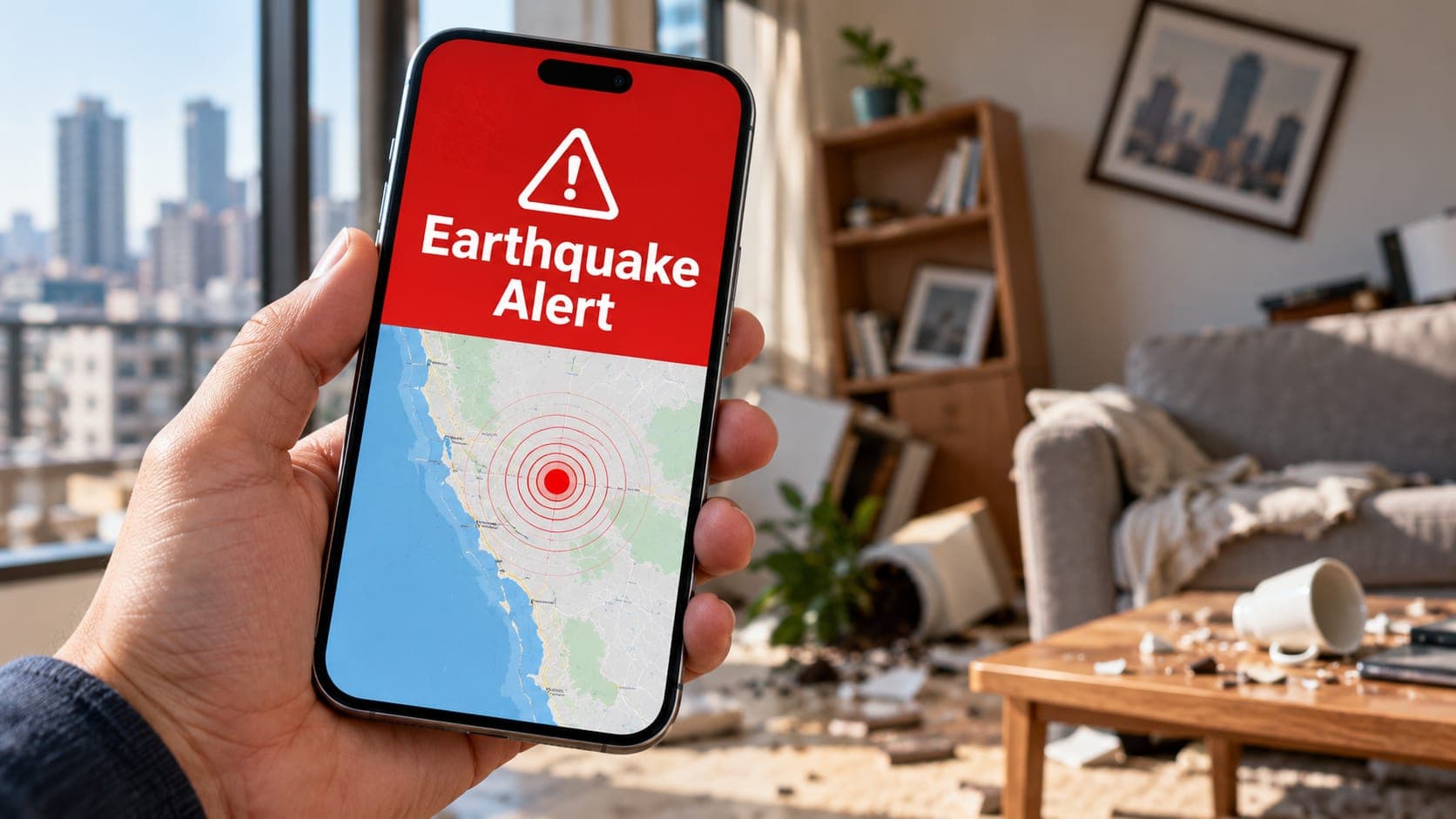
Your phone can tell you about earthquakes in several very different ways. Some alerts arrive a few seconds before shaking reaches you. Others arrive minutes after an earthquake has already happened, simply to let you know it occurred. A few apps show long-term chances of earthquakes in an area. These are not the same thing, and mixing them up can lead to confusion or the wrong reaction.
This article explains each kind of phone alert, what it is really telling you and what you should do when one appears on your screen.
Quick answer
An earthquake alert on your phone is usually one of two things: an early warning that shaking is about to arrive (from systems like ShakeAlert in the U.S. West Coast, or Android's built-in alerts in many countries), or a notification that an earthquake has already been reported. If you get an early warning, do not read the message. Drop, Cover and Hold On right away, and stay down until the shaking stops.
Three kinds of earthquake information
Before looking at specific alerts, it helps to separate three ideas that often get blurred together.
An earthquake early warning is sent after an earthquake has started but before strong shaking reaches you. Sensors near the source detect the first, faster waves, a computer estimates how big the earthquake is, and an alert races ahead of the slower, damaging waves. The warning can be a few seconds or a few tens of seconds. Close to the source there may be no warning at all.
A notification of a reported earthquake comes after the event. A seismic network has located the earthquake and estimated its Magnitude, and an app, email or website passes that information on. It tells you what happened, not what is about to happen.
A Forecast describes probabilities over days, years or decades, such as the chance of aftershocks in the coming week. It is not an alert about a specific moment. Nobody can currently predict the time, place and size of a future earthquake. Our lesson on forecasts, predictions and early warning goes deeper.
The phone alerts you might see
Which alerts you can receive depends on where you live and what kind of phone you have. The table below summarizes the main types.
| Alert type | When it arrives | What it means | Where it is available |
|---|---|---|---|
| Wireless Emergency Alert (WEA) using ShakeAlert | Seconds before shaking, if you are not too close | Strong shaking is expected where you are | California, Oregon and Washington |
| MyShake app alert | Seconds before shaking | Shaking is expected; the app alerts for somewhat weaker shaking than WEA | California, Oregon and Washington |
| Android Earthquake Alerts | Seconds before shaking | Phones or official networks detected an earthquake and shaking is expected nearby | Built into many Android phones in the U.S. and many other countries |
| National warning systems | Seconds before shaking | An official national system expects shaking | For example Japan and Mexico, delivered by broadcast, phone or sirens |
| Reported-earthquake notification | Minutes or longer after the event | An earthquake happened and was located | Apps, email services and websites worldwide |
Early warning alerts: act, don't read
In California, Oregon and Washington, the USGS-operated ShakeAlert system detects earthquakes and passes alerts to delivery partners. Government Wireless Emergency Alerts go out for larger expected shaking. Apps such as MyShake, and the Android system, can alert at lower levels of shaking. Exact thresholds differ by channel and have changed over time. See our guide to ShakeAlert for details.
Outside those states, Google's Android Earthquake Alerts System uses the motion sensors in many Android phones to detect shaking and send warnings in a number of countries. Some countries, including Japan and Mexico, run their own national warning systems.
The most important point is that an early warning is a signal to protect yourself immediately. The seconds it buys are only useful if you use them.
- Drop to your hands and knees wherever you are.
- Cover your head and neck, under a sturdy table or desk if one is within a step or two.
- Hold On until the shaking stops.
- If you are driving, slow down, pull over when safe and stay in the car with your seatbelt on.
- Only after the shaking stops, check your phone for details and look around for hazards.
Notifications of reported earthquakes
Many apps and services, including the free USGS Earthquake Notification Service, send messages after an earthquake has been located. These are useful for checking on family, understanding what you just felt or following activity in a region you care about. They are not warnings, and they usually arrive minutes after the event.
The first numbers in these notifications come from automatic processing. Magnitude and location are often revised as seismologists review the data, so a quake first reported as magnitude 4.6 may later be listed as 4.4 or 4.8. You can read how this works on the event updates page.
EQRadar's own alerts for saved places fall into this category. They notify you of reported earthquakes near places you choose, only while the EQRadar page is open in your browser. EQRadar does not send text messages, email or push notifications and does not provide early warning.
Why you might feel shaking but get no alert
It is common to feel an earthquake and receive nothing, or to receive an alert after the shaking has already passed. There are several ordinary reasons.
- You were close to the Epicentre, where strong shaking arrives before any alert can reach you.
- The expected shaking at your location was below the threshold for the alert channel you use.
- Your area is not covered by an early warning system.
- Your phone settings have emergency alerts or the app's notifications turned off.
- Your phone was off, in a low-signal area or in a power-saving mode that delayed notifications.
False alarms and missed alerts
Early warning systems decide in seconds using limited data, so an alert may overestimate shaking, cover too large an area or, rarely, be sent in error. They can also underestimate a very large earthquake that is still growing. Dropping to the floor for a few seconds when no strong shaking comes costs very little; ignoring a real alert could cost much more.
Getting your phone ready
Check that emergency or government alerts are turned on in your phone's settings, and if you live on the U.S. West Coast consider installing MyShake. Android users can check for an earthquake alerts setting under safety or location settings. Menu names vary by phone, operating system version and country. Step-by-step help is in how to get earthquake alerts and, for Apple devices, how to enable earthquake alerts on iPhone.
Frequently asked questions
What should I do when my phone says an earthquake is coming?
Drop, Cover and Hold On immediately. Do not stop to read the full message, call anyone or run outside. You can check the details after the shaking ends.
Why did the alert come after the shaking started?
If you are close to the source, the damaging waves reach you before an alert can be calculated and delivered. This area is sometimes called the late alert zone. Farther away, alerts are more likely to arrive before strong shaking.
Can my phone warn me of an earthquake hours or days ahead?
No. No app or system can predict when a specific earthquake will happen. Early warning works only after an earthquake has begun, and gives seconds, not hours.
Key takeaway
Phone alerts come in two main kinds: early warnings that shaking is about to arrive, and notifications that an earthquake has already been reported. Treat any early warning as a cue to Drop, Cover and Hold On at once, and read the details only after the shaking stops.
Sources
- ShakeAlert — ShakeAlert (USGS and partners)
- Earthquake Early Warning Overview — U.S. Geological Survey
- Wireless Emergency Alerts (WEA) — Federal Communications Commission
- Android Earthquake Alerts — Google Crisis Response