How to Get Earthquake Alerts
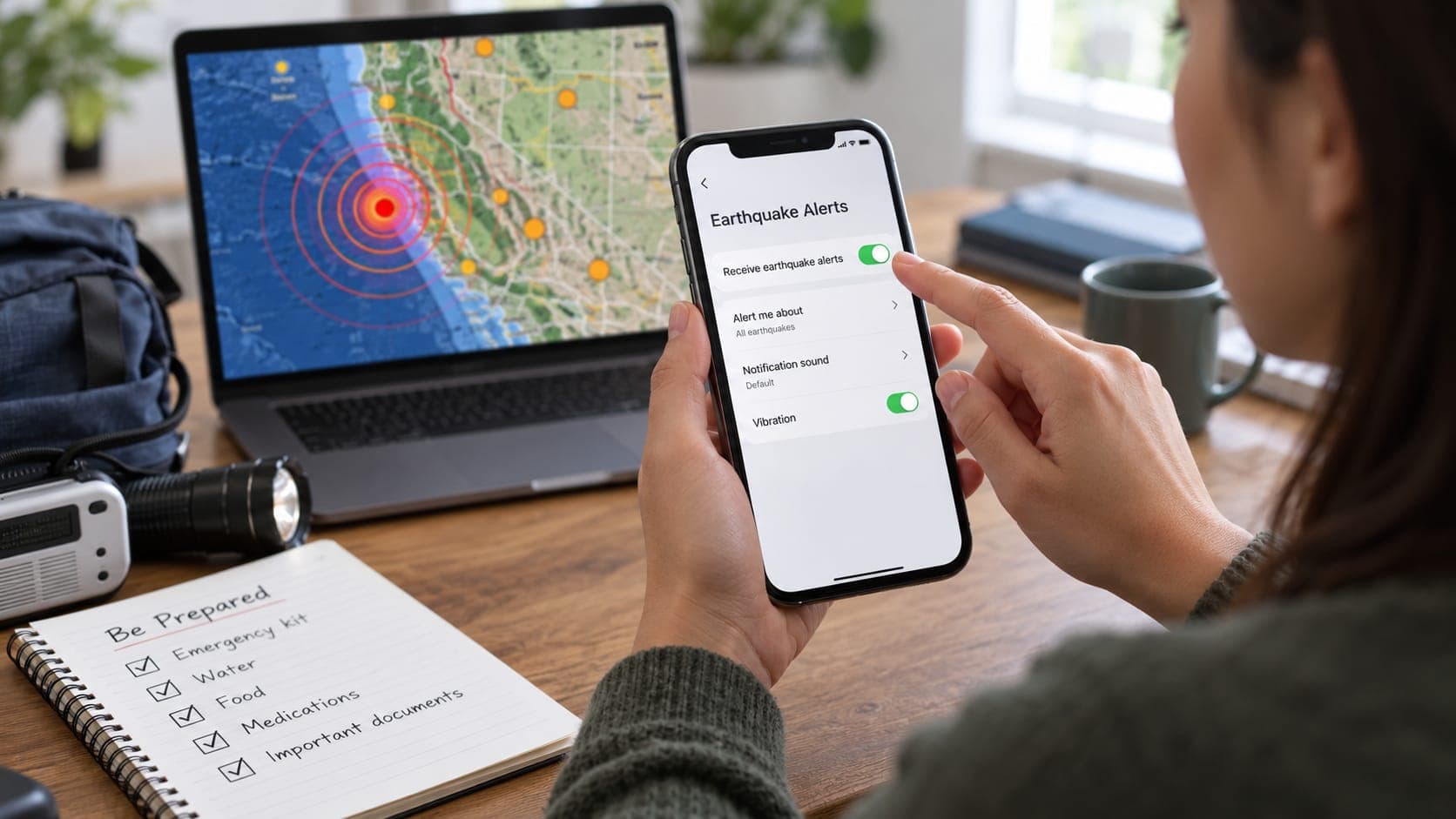
The best way to get earthquake alerts depends on two things: where you are and what you want to know. Someone in Los Angeles who wants a few seconds of warning before shaking needs a different setup from someone in Ohio who wants an email whenever a quake hits near a relative in Alaska.
This guide is a practical setup checklist, organized by region. It assumes you already know the difference between an early warning and a notification of a reported earthquake. If not, start with earthquake alert on phone.
Quick answer
On the U.S. West Coast, turn on emergency alerts on your phone, install the MyShake app and, on Android, keep Earthquake Alerts switched on. Elsewhere in the U.S., sign up for the free USGS Earthquake Notification Service to get emails about reported earthquakes in areas you choose. Outside the U.S., check your national seismic or emergency agency and Android's built-in alerts, which operate in many countries.
First, decide what you want
Earthquake alerts fall into two broad groups. Early warnings arrive seconds before shaking and are meant to make you take cover. They exist only where a warning system operates. Notifications of reported earthquakes arrive minutes later and are meant to inform you. They work almost anywhere, because global seismic networks report earthquakes worldwide.
Most people benefit from both. Early warning protects you at home. Reported-event notifications help you check on family, follow an Aftershock sequence or keep an eye on a place you are traveling to.
If you live in California, Oregon or Washington
These three states are covered by ShakeAlert, the USGS-operated early warning system run with state and university partners. ShakeAlert itself does not message you directly. Its alerts reach the public through partner channels, so you want as many of those channels working as possible.
- Make sure government emergency alerts are enabled in your phone's notification settings. These Wireless Emergency Alerts are used for larger expected shaking.
- Install MyShake, the free app developed at UC Berkeley and supported by the state of California. It is available in all three states and can alert at lower shaking levels than emergency alerts.
- On Android, check that Earthquake Alerts is on. It is usually under Settings, then Safety and emergency or Location, though names vary by phone maker and version.
- Allow location access for alert apps, ideally all the time, so alerts match where you are rather than your home address.
- Learn Drop, Cover and Hold On so you can act on an alert without thinking.
If you live elsewhere in the United States
ShakeAlert does not cover other states. Google has expanded Android Earthquake Alerts to more of the country, so Android users should check whether the setting is available on their phone. What you can get everywhere is fast, reliable information about reported earthquakes.
The USGS Earthquake Notification Service, known as ENS, is free. You create an account, draw or choose a region on a map and set a minimum Magnitude. ENS then emails you when a qualifying earthquake is reported. You can set different rules for different places, such as a low threshold near home and a higher one for a whole state.
If you live near the coast, also make sure you can receive tsunami warnings, which are issued separately by NOAA's tsunami warning centers. EQRadar shows official NOAA alerts on its tsunami page.
If you live outside the United States
Many countries run their own systems. Japan's Meteorological Agency issues Earthquake Early Warnings through TV, radio and mobile phones. Mexico's SASMEX system sounds public alerts, including outdoor speakers in Mexico City. Other countries have national programs at various stages.
Google's Android Earthquake Alerts System operates in many countries, using the motion sensors in Android phones to detect shaking. Because availability changes, check Google's Android alerts page and your phone's settings rather than assuming it is or is not active where you are.
For notifications of reported earthquakes, your national geological or seismic agency is usually the best source. The European-Mediterranean Seismological Centre (EMSC) also publishes rapid global information.
Your options at a glance
This table summarizes the main free options and what each one is for.
| Option | Type | Where it works | How to set it up |
|---|---|---|---|
| Wireless Emergency Alerts (ShakeAlert) | Early warning | CA, OR, WA | Turn on emergency alerts in phone settings |
| MyShake app | Early warning | CA, OR, WA | Install from your app store and allow location |
| Android Earthquake Alerts | Early warning | Many countries, including the U.S. West Coast | Check the setting on your Android phone |
| National systems (e.g. Japan, Mexico) | Early warning | That country | Follow national agency instructions |
| USGS ENS email | Reported earthquakes | Worldwide | Sign up at earthquake.usgs.gov/ens |
| EQRadar saved-place alerts | Reported earthquakes | Worldwide (USGS data) | Save places on the alerts page; works only while the page is open |
Where EQRadar fits
EQRadar is a viewer for USGS earthquake data. Its alerts page lets you save places and see in-app notices of reported earthquakes near them, but only while the EQRadar page is open. It does not send texts, emails or push notifications, and it is not an early warning system. For background alerts, rely on the official options above. You can browse recent activity any time on the live map.
Keep your setup working
Alerts fail quietly. An app can lose permissions after an update, or a phone can switch emergency alerts off when you change carriers. A short routine helps.
- Check alert settings after major phone updates or a new phone.
- Open your alert apps occasionally to confirm they still have location and notification permission.
- Watch for scheduled drills such as the Great ShakeOut, when some apps send test messages.
- Review ENS thresholds after a busy aftershock sequence, so you are not flooded with emails.
Frequently asked questions
Is there a single app that gives earthquake alerts everywhere?
No single free service gives early warning worldwide. Early warning depends on local sensor networks. Notifications of reported earthquakes, on the other hand, are available globally from sources like the USGS and EMSC.
Do I need to pay for earthquake alerts?
No. The main official options, including emergency alerts, MyShake, Android Earthquake Alerts and USGS ENS email, are free.
How do I get alerts about earthquakes near a relative in another state?
Set up a USGS ENS region around their town with a magnitude threshold that suits you. You will get an email when a qualifying quake is reported there. Early warnings, by contrast, only go to people in the area that is about to shake.
Will I get an alert when I travel?
Phone-based warnings usually follow your phone's current location, so if you travel within a covered area and have location access enabled, you can be alerted there. Email notifications follow the regions you set, not your location.
Key takeaway
Set up early warning where it exists (emergency alerts, MyShake and Android alerts on the U.S. West Coast, or your national system abroad), and add free USGS email notifications for reported earthquakes anywhere you care about. Check your settings now and then, because alerts fail quietly.
Sources
- Earthquake Notification Service — U.S. Geological Survey
- ShakeAlert — ShakeAlert (USGS and partners)
- MyShake — UC Berkeley Seismology Lab
- Android Earthquake Alerts — Google Crisis Response
- Emergency Alerts — Ready.gov (U.S. Department of Homeland Security)